To download a file
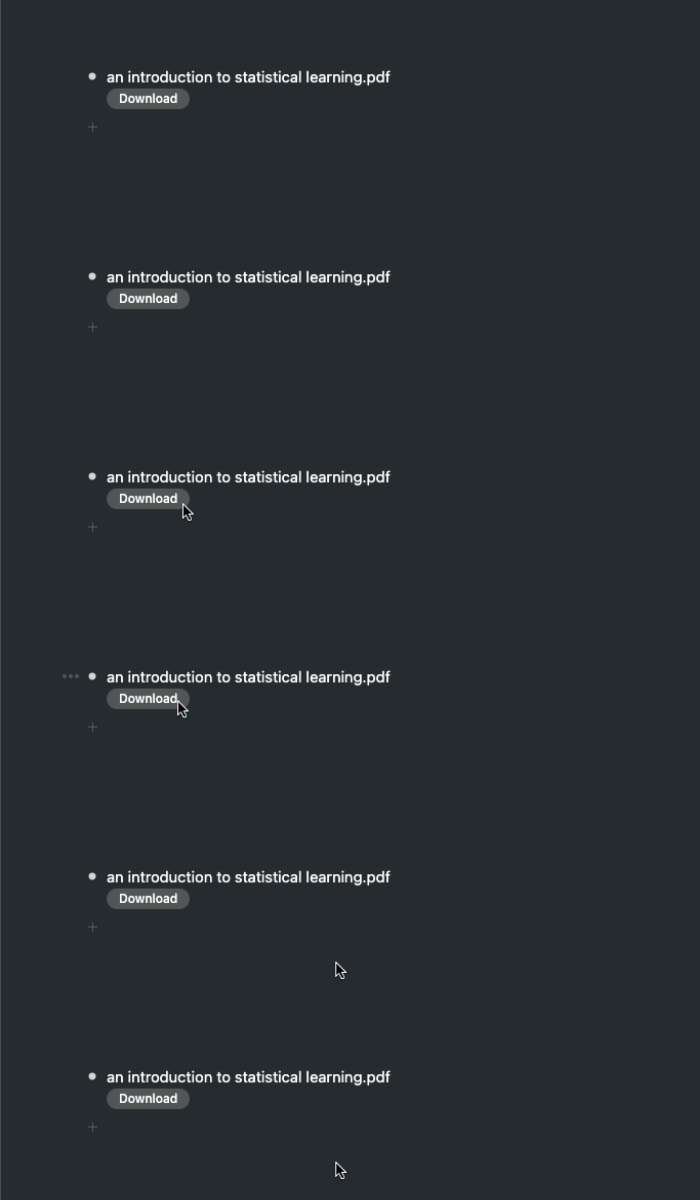
Non-image files you upload to Workflowy will all have a download button.
- Click on the download button of the file, :)
To download an image
- Mouse over an image
- Click on the image options button
- Click on 'Download'


Non-image files you upload to Workflowy will all have a download button.
Comments
2 comments
What should I troubleshoot if the 'Download' button doesn't actually download the file? When I click it, nothing happens.
Same shit here, button does not work :(
Please sign in to leave a comment.